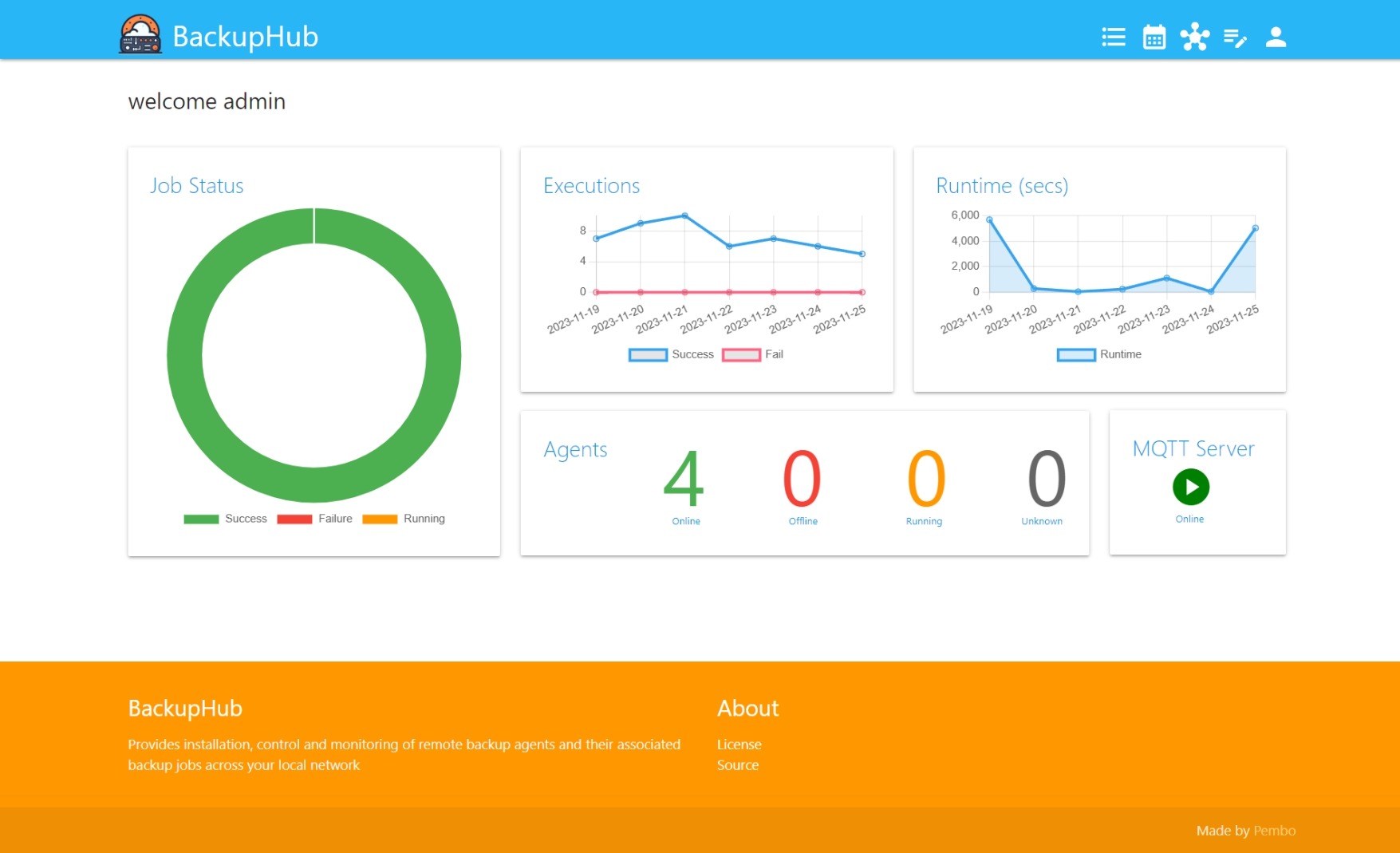
When I first released BackupHub back in April 2025, it was a simple idea brought to life: a clean, open‑source way to manage backup scripts across Linux servers, NAS devices, and home‑lab environments. It shipped with a scheduler, a script editor, and a lightweight agent system, enough to solve my own problems and hopefully help a few others along the way.
Fast‑forward to today, and BackupHub has grown into something far bigger than a “backup tool.” It’s now a distributed automation platform capable of orchestrating complex workflows, coordinating multiple servers, and providing real‑time visibility across your entire environment.
This post highlights everything that’s changed since that first release.
🚀 What’s New in BackupHub
1. Full Orchestration Engine
BackupHub now supports Orchestrations; multi‑step, multi‑agent workflows built using a visual node editor. You can chain tasks, run branches in parallel, add conditional logic, and build full automation pipelines. Think of it as “Ansible‑lite meets Node‑RED,” but built specifically for shell‑based automation.
Key features:
- Visual orchestration builder UI
- Parallel and sequential task execution
- Conditional nodes
- Real‑time execution monitoring
- Automatic log streaming from every step
This is the single biggest evolution of the platform.
2. A Re‑Engineered Scheduler with Rule‑Based Triggers
The original scheduler handled cron‑style jobs. The new scheduler handles time‑based, rule‑based, and webhook‑triggered jobs.
You can now trigger jobs when:
- CPU crosses a threshold
- Disk space drops below a limit
- A webhook is received
- A specific agent comes online
This makes BackupHub useful far beyond backups, it becomes a general automation engine.
3. Deeply Improved Agent System
The agent has been completely redesigned with:
- A clearer lifecycle
- Stronger encryption and shared‑secret authentication
- Real‑time log streaming
- Automatic status reporting
- Support for both WebSocket and MQTT transports
Agents now feel like first‑class citizens in the platform, not just remote script runners.
4. Real‑Time UI Powered by Socket.io
The web interface now updates instantly:
- Job logs stream live
- Agent status changes appear immediately
- Orchestration steps animate as they run
- Running jobs are tracked in real time
This makes BackupHub feel alive, you can literally watch your automation flow across your servers.
5. A Proper Data Layer (LevelDB‑backed)
BackupHub now uses a structured LevelDB data layer with dedicated databases for:
- Core data (schedules, agents, jobs)
- User accounts
- Agent history and metrics
This gives the platform:
- Faster startup
- Better reliability
- Cleaner separation of concerns
- A foundation for future analytics
6. A Much More Capable Web UI
The UI has grown massively, with entire new sections:
✔ Agent Management Dashboard
View status, metrics, logs, and registration details.
✔ Orchestration Builder & Monitor
Build workflows visually and watch them run.
✔ Job History & Running Jobs Tracker
See everything that’s running or has run recently.
✔ Script Editor & Template Repository
Includes templates for:
- Proxmox VM backups
- MySQL/MariaDB dumps
- Rsync jobs
- File purging
- Threshold checks
- Server reboots …and more.
✔ User Management & Authentication
Multi‑user support with persistent profiles.
✔ Settings & Configuration UI
All environment settings now configurable from the browser.
7. Webhooks Everywhere
BackupHub now exposes:
- Webhook triggers
- Webhook management UI
- REST endpoints for orchestration and job control
This means BackupHub can integrate with:
- Home Assistant
- GitHub Actions
- Proxmox hooks
- Monitoring systems
- Anything that can send an HTTP request
8. Cleaner Deployment & CI/CD
The project now includes:
- A hardened Docker deployment path
- A release pipeline
- Automated versioning
- Better test coverage (server + agent)
Deploying the Hub is now as simple as:
docker run -p 8082:8082 ghcr.io/dpembo/backuphub/hub
And agents can be provisioned with a one‑liner from the UI.
🧭 BackupHub Today: More Than Backups
BackupHub started as a personal backup manager. Today it’s a lightweight automation platform for home labs, NAS devices, and small server fleets.
It now handles:
- Backups
- Maintenance tasks
- Monitoring‑driven triggers
- Multi‑step workflows
- Cross‑server orchestration
- Real‑time automation pipelines
All with a clean UI, a simple agent, and a small footprint.
🔗 Try It, Star It, Break It, Improve It
BackupHub is open‑source and actively evolving.
GitHub: https://github.com/dpembo/BackupHub
Deepwiki: https://deepwiki.com/dpembo/BackupHub
If you’re running a home lab, a Proxmox cluster, or just a couple of Linux servers, give it a try — and let me know what you automate with it.